
Jitsi Meet Oscar Integration
eForm for Integrating Video Virtual Care with OscarEMR
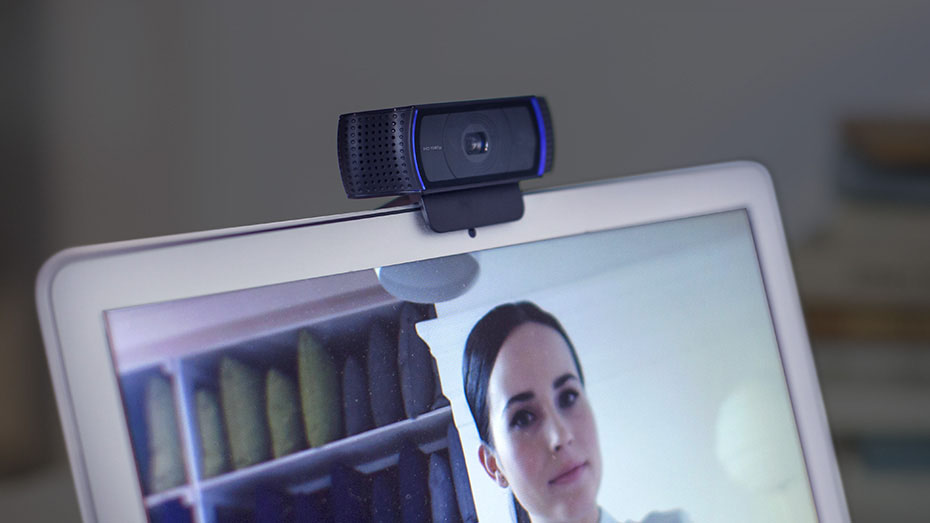
Although telephone calls may be part of virtual care, this technology has been around for over 150 years and is nothing new. Having more visual and salient information about a patient via a real-time video conferencing solution is crucial for making a safe diagnosis, and improving quality of care. This is important when health providers do not have the ability to conduct in-person direct patient physical exams.
With the VideoVisit eForm (Jitsi Meet Oscar Integration):
- You can see patients online virtually... "The doctor will see you now."
- Automatically create a secure unique (per patient, per day) video meeting room to a Jitsi Meet server and email the link and instructions to the patient (must be same day) with a click... For FREE.
Requirements:
- A working version of OSCAR electronic medical record system
- Internet access
- Webcam with Microphone
- Speakers or headphones/earbuds
- HTML5 enabled webbrowser such as Firefox or Chrome; or Jitsi Meet app for your mobile phone
Instructions:
- [ Download ] the VideoVisit eForm, save the ZIP to your computer.
- Log in to your OSCAR system and find the Administration Menu.
- Upload the ZIP eForm package to eForm Library (Administration -> Forms/eForms -> Manage eForms -> Import)
- IMPORTANT: Please EDIT the beginning eForm HTML settings to configure to your local instance requirements (ie. change the video server URL, change the salt words, clinic name and add any other messages to the default email template)
Notes:
Jitsi Meet is a secure encrypted end-to-end open source video conferencing platform. It uses WebRTC, the same open source encrypted video protocol that OTN uses. The default eForm uses the public Jitsi Meet server for demonstration purposes. It is highly unlikely anyone will be able to video bomb your meeting as the ethereal links are more complicated and unique than a series of numbers. Since the URL link changes every day, and your encounters are brief, it is unlikely someone will be able to brute force guess your unique links and video bomb your encounter. For safety, you can always enable Lobby feature, or add a Password to the room after your patient/client enters the room.
We recommend installing your own self-hosted private Jitsi Meet server and link the eForm to your private server for enhanced security. You can enable username/password authentication with a private Jitsi server, as well as Lobby/Waiting Room function, and Room password. You can also connect to a VoIP number and make calls out from a meeting room, so instead of picking up the phone, you can do your conference calls with Jitsi Meet as well (no need to change to a phone).